Industry-Leading Software
Retaining Wall Calculator Software
Retaining walls are critical structural components used to stabilize soil and manage elevation changes in residential, commercial, and industrial construction projects. Designing them correctly requires advanced calculations that account for lateral earth pressures, overturning, sliding, and bearing capacity. With an intuitive interface, automatic load analysis, and comprehensive material options, StruCalc supports the design process and produces permit-ready calculation reports.
Applications
StruCalc’s retaining wall calculator supports the most common retaining wall types used for residential and commercial applications.

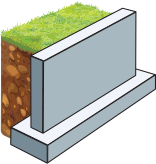
Gravity Retaining Walls
Gravity retaining walls rely on their own weight and mass to resist soil pressure and are typically constructed from concrete, stone, or masonry.

Cantilever Retaining Walls
Cantilever retaining walls use a structural stem and base slab to leverage mass and resist lateral pressure.
How To Design a Retaining Wall with StruCalc
The Importance of Accurate Calculations
Precise retaining wall calculations are necessary to evaluate stability against sliding, overturning, and bearing failure. Factors such as soil type, surcharge loading, wall geometry, and backfill conditions must be properly analyzed to avoid underdesign or overdesign. StruCalc helps engineers meet industry standards by providing detailed, code-compliant calculations that support confident decision-making and efficient design workflows.
StruCalc’s retaining wall analysis software provides powerful tools for structural engineers to perform gravity, and cantilever calculations. With an intuitive interface, automatic load analysis, and comprehensive material options, StruCalc supports the design process and produces permit-ready reports. This article explores the essential elements of retaining wall calculations, key technical considerations, and how StruCalc’s retaining wall calculation program enhances engineering precision and productivity.
Building Materials Supported

Wood

Steel

LVL & Glulam

Masonry

Concrete
Get Started with StruCalc’s Retaining Wall Calculator
StruCalc’s retaining wall calculator is a powerful tool for structural engineers working with gravity, and cantilever walls. With built-in compliance to IBC, ACI, ASCE, and TMS standards, automated safety checks, and easy-to-navigate interfaces, it simplifies the complexity of structural calculations that support retaining wall design. Whether you’re working on residential landscaping or commercial site development, StruCalc’s retaining wall calculation program enhances engineering precision and productivity.
Visit StruCalc.com to explore how our retaining wall analysis software can support your next project.
Retaining Wall Calculator FAQs
What Types of Retaining Walls Can StruCalc Analyze?
StruCalc’s retaining wall calculation program supports the most common retaining wall types used in structural and geotechnical engineering:
- Gravity Retaining Walls – Rely on their own weight and mass to resist soil pressure. Typically constructed from concrete, stone, or masonry.
- Cantilever Retaining Walls – Use a structural stem and base slab to leverage mass and resist lateral pressure. Requires reinforcement for stability.
Each wall type includes customizable geometry, backfill angles, surcharge loads, and material properties to suit real-world design conditionsStruCalc enables structural load calculations for a variety of wall types:
What Loads and Factors Must Be Considered in Retaining Wall Calculations?
Proper retaining wall analysis involves the evaluation of multiple forces and safety factors. The StruCalc retaining wall calculator accounts for:
- Lateral Earth Pressure – Calculated using Rankine or Coulomb theories, based on soil type, wall height, and backfill slope.
- Surcharge Loads – Additional loads from adjacent structures, vehicles, or slope stabilization.
- Sliding Resistance – Ensures the base does not shift horizontally under lateral pressure.
- Overturning Stability – Calculates resisting and overturning moments to prevent wall rotation.
- Bearing Capacity – Verifies that soil pressure beneath the footing is within safe limits.
StruCalc automatically checks these parameters against recommended safety factors per industry standards. Wall elements are exposed to diverse loading conditions:
What Materials Are Supported in StruCalc’s Retaining Wall Software?
StruCalc supports a range of structural materials, allowing engineers to perform calculations that support a variety of project requirements:
- Concrete Retaining Walls – Reinforced or mass concrete walls evaluated per ACI codes.
- Masonry Retaining Walls – CMU (concrete masonry units) and stone walls with reinforcement verification.
- Reinforced Soil Backfill – Includes options for geogrid or mechanically stabilized earth (MSE) components.
Material inputs include unit weight, friction angle, cohesion, and allowable bearing capacity. Wall stud sizing and spacing are crucial to meeting code and performance goals. StruCalc’s stud wall framing software provides:
How Does StruCalc Handle Complex Retaining Wall Calculations?
Manual analysis of retaining walls is often complex and time-consuming due to nonlinear geometry and variable soil conditions. Common challenges include:
- Non-Level Backfill and Sloped Surfaces – Alter lateral pressure distribution.
- Irregular Loading Conditions – Surcharges, hydrostatic pressure, or seismic loads.
- Base Shear and Moment Distribution – Requires integration of soil pressure over the wall height.
- Reinforcement Detailing – Proper placement and sizing of rebar to meet ACI and IBC standards.
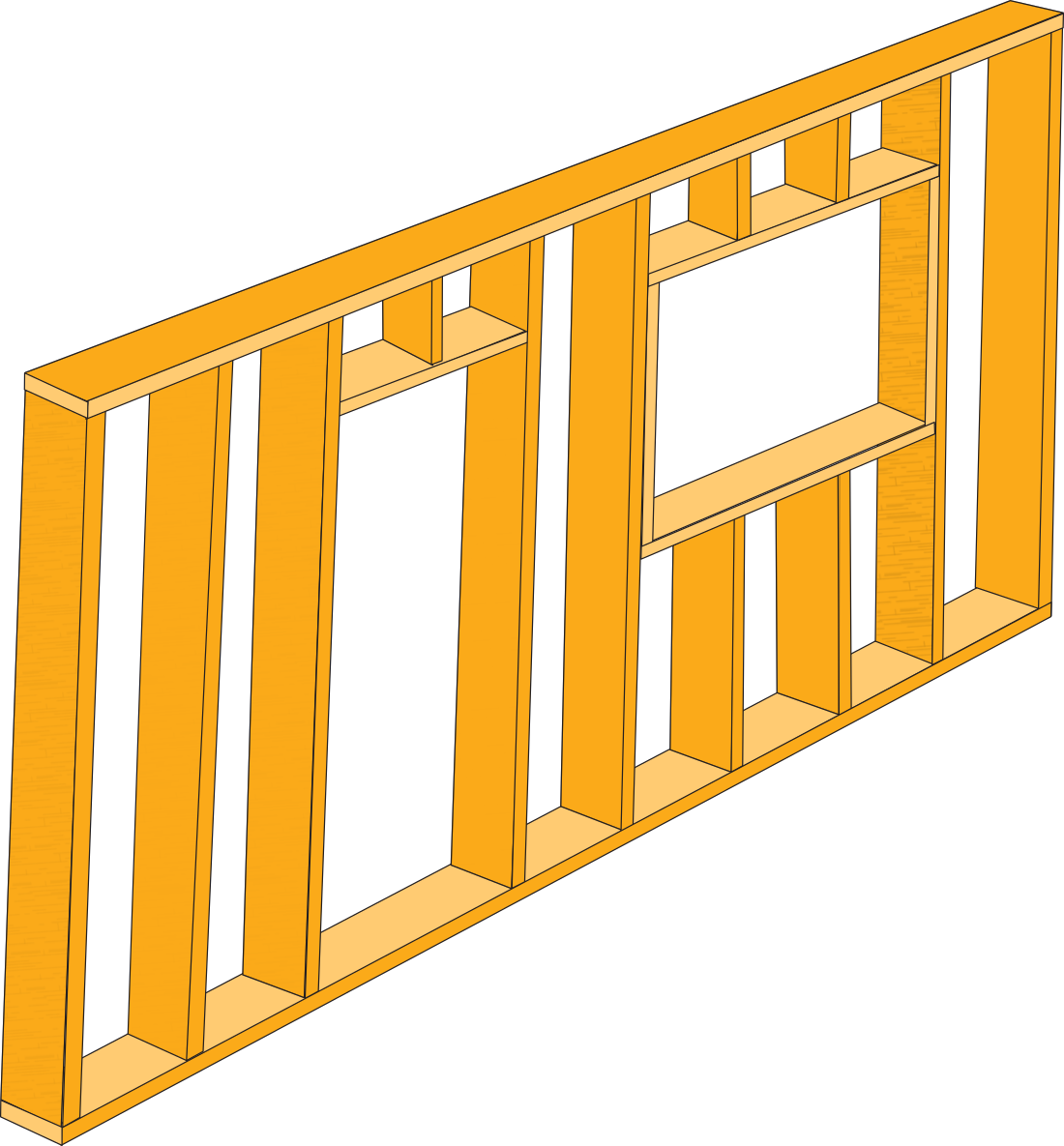
StruCalc’s retaining wall calculator simplifies these tasks by automating pressure calculations, load combinations, and reinforcement checks. This eliminates the need for spreadsheets and reduces risk of error in iterative calculation steps. A shearwall provides lateral resistance against wind and seismic loads. StruCalc’s shearwall calculator supports:
What Codes and Standards Does StruCalc Support for Retaining Walls?
Producing code-compliant retaining wall calculations requires adherence to national and international standards. StruCalc supports:
- IBC (International Building Code) – Governs structural safety, including overturning, sliding, and bearing checks.
- ACI 318 – Covers analysis of concrete walls, including reinforcement and crack control.
- ASCE 7 – Provides guidance for lateral earth pressure, seismic loading, and surcharge application.
- TMS 402/602 – For masonry wall analysis and reinforcement considerations.
StruCalc applies these standards automatically and generates structured reports that satisfy permitting and inspection requirements. Yes. StruCalc supports:
Why Use a Retaining Wall Calculation Program Instead of Spreadsheets?
While spreadsheets can handle basic static calculations, they fall short for complex retaining wall problems that involve multiple load cases and iterations. StruCalc offers advantages such as:
- Built-In Earth Pressure Theories – Rankine, Coulomb, and seismic parameters.
- Safety Factor Checks – Sliding, overturning, and bearing automatically evaluated.
- Reinforcement Verification Tools – Automated checks for rebar strength and serviceability.
- Permit-Ready Reports – Exportable and code-referenced documentation for plan review.
Efficiency and Accuracy – Less time spent on manual calculations, more time for optimization and refinement. Wall framing involves axial, lateral, and bending loads, which are complex to model in spreadsheets. StruCalc offers:
Design Faster & Reduce Rework With Powerful New Features
Let StruCalc save you time and help you do more of what you do best.
Intuitive, 3D Interface W/ Automated Member Sizing
- Drag and Drop Feature Design
- Intuitive Parameter Adjustment
- Automated Connector Selection & Member Sizing
- Visually accurate structures
Multi-level, Triaxial Load Linking With 3D Visualizations
- Visually link roof beams to shearwalls to stud walls to footings in seconds.
- Visualize connections between members to ensure loads are properly applied.
Automated Calculation & Application of ASCE Hazard Loads
- Built-in wind, snow & seismic calculators with ability to automatically apply loads to structures.
Pre-Built, Customizable Design Templates
- Build your own custom templates within each design module.
- Create modular configurations for rafters, decks, floor joists, and more! You can even include wood connectors and fasteners.




Ensure your engineering calculations are future-proof
Stay Compliant With The Latest Standards
StruCalc is built to meet the latest engineering and construction standards, ensuring every calculation aligns with current codes and best practices.
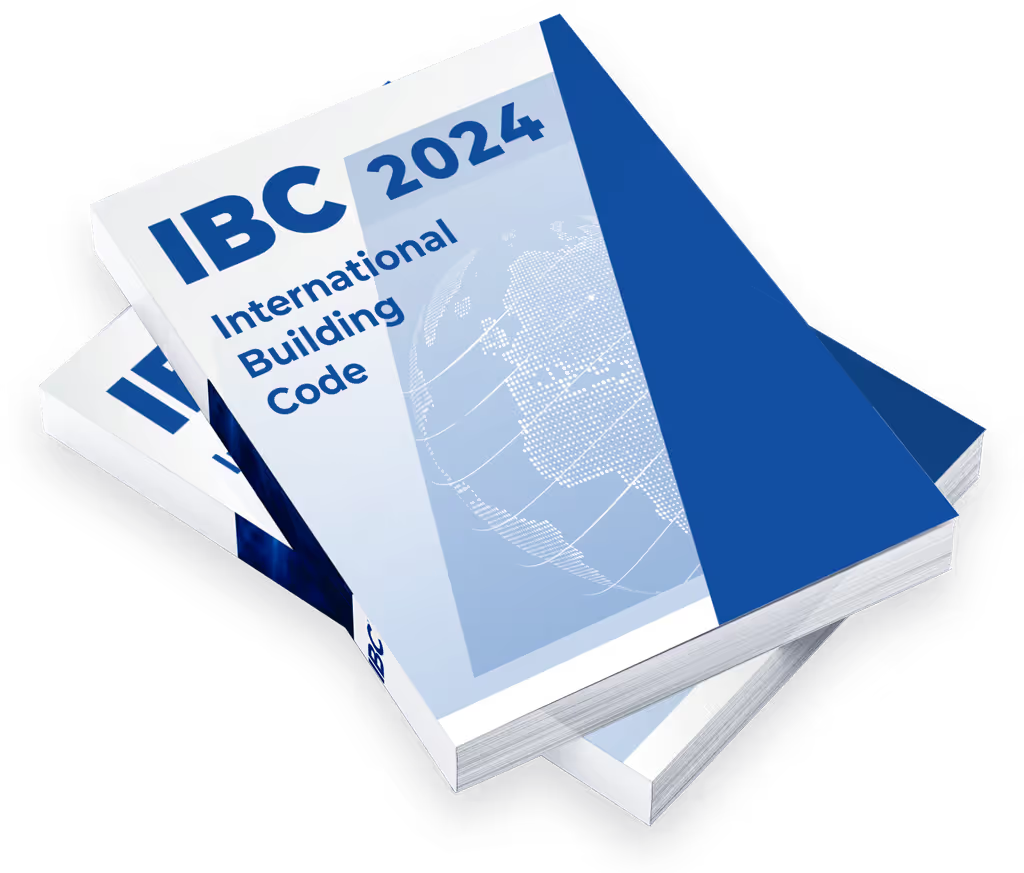
- • 2024 IBC
- • ASCE 7-22
- • 2024 NDS (Wood)
- • ACI 318-19 (Concrete)
- • TMS 402/602-16 (Masonry)
- • AISC 360-16 (Steel)

Streamline permit approval
Quick Calculations & Permit Ready Reports
With a customizable report generation tool and easy-to-use calculation modules, StruCalc gets you the answers you need quickly and gives permit reviewers the detail they’re looking for.
Do more in less time
Increase Productivity w/ Templates & Automation
With dozens of built in use cases and the ability to create custom templates for floor joists, roofs, and stud walls, and many other structural members, our intuitive interface and powerful features help you design faster and more accurately. Let StruCalc do the heavy lifting for you!

Tired of Software Bugs and Confusing Inputs?
Get the calculation software you can trust.

Dependable Calculations
For 15 years, our calculation engines have been continuously improved by our structural engineers and proven trustworthy by the thousands of architects and engineers that use them every day.

US Based Engineering Support
We have licensed Professional Engineers and structural design professionals on staff, so when you have a question, just reach out to our US-based engineering team.

Intuitive, Automated Interface
Designed by industry veterans, our 3D visuals, intuitive parameters, and drag and drop feature design enables our users to learn the platform quickly and maximize its functionality.
Pricing & Feature Comparison:
| Top-tier differences: |
StruCalc CORE: $99.97/mo |
Calcs.com: $119/mo |
ENERCALC: $199/mo |
|---|---|---|---|
| Drag & Drop Feature Design | |||
| Multi-Level Load Visualization | |||
| Automated Shearwall Design | |||
| Customizable Design Templates | |||
| Automated Hazard Load Application | |||
| User Themes | |||
| Wood Shearwalls | |||
| Stud Walls | |||
| Bearing Walls | |||
| Retaining Walls | |||
| Hip & Valley Beams | |||
| Collar Ties | |||
| Flitch Beam | |||
| Concrete Beams | |||
| Masonry Beams | |||
| Beam & Joist Spans | |||
| Concrete Columns | |||
| Continuous Footings | |||
| Isolated Footings | |||
| Embedded Posts | |||
| I-Joists | |||
| Glulams | |||
| Solid Sawn | |||
| Steel | |||
| Structural Composite | |||
| 2024 IBC | |||
| 2024 NDS | |||
| 2021 IBC | |||
| 2018 IBC | |||
| 2018 NDS | |||
| 24+ Load Combinations | |||
| Out of Plane Loading | |||
| Multi-span Columns | |||
| Advanced Footing Loads | |||
| Wind, Snow, & Seismic Loads | |||
| Linked Load Tracking | |||
| Beam Analysis | |||
| Wall Analysis | |||
| LRFD | |||
| Live & Dead Loads | |||
| ASD | |||
| Imperial Units | |||
| Masonry Columns | |||
| Concrete Walls | |||
| Masonry Walls | |||
| Wood Hangers | |||
| Curved Glulams |
Packed with Features
Powerful Features & Unbeatable Value
No one else offers as many features as StruCalc. Get more for your money and join thousands of architects and engineers that have chosen StruCalc as their partner for structural calculation software.
Now Offering PDH Courses
Join our community to get great deals on quality PDH courses or get our StruCalc Pro with PDH annual subscription to get 15 PDH hours included with StruCalc Pro.

Purpose-Built Products Tailored To Your Needs
Whether you need simple beam calculations or full vertical and lateral analysis of a custom home, StruCalc has a plan that fits your needs.
StruCalc
Core
Retaining Walls
Shearwalls & Stud Walls
Roof Beams
Floor Joists
Footings & Much More
StruCalc
Connect
StruCalc
Fusion